
Sentence Case Converter: Turn Any Text Into Proper Sentences
This free sentence case converter capitalizes the first letter of every sentence and lowers everything else, so text written in ALL CAPS or Title Case reads like normal prose again. It keeps acronyms and names, can convert only the part you select, adds missing full stops, rewrites whole lists of headings and checks text for capitalization mistakes, with no sign-up.
- ✎ converts in place, selection too
- 👤 keeps names and acronyms
- ✔ sentence case checker
- 8 sentence formats
Your text as proper sentences
Received an email written in capitals?
Share this free sentence case converter.
Headings, Subject Lines and Buttons Rewritten in Sentence Case
Each line has been converted from capitals or Title Case. Copy takes the sentence-case version; Edit in tool loads the original so you can watch it change.
What Is Sentence Case?
Quick answer: Sentence case is the everyday capitalization of prose. A sentence opens with one capital, names, places, and acronyms keep theirs, and every other word stays small, like this: The quarterly report is due on Friday.
It is the style of almost every book, article, and email body, and more and more brands use it for headings and buttons too.
A sentence case converter does the tedious part for you. Paste text that arrived in capitals, or a list of headings typed in Title Case, and it lowers every word, then raises the first letter of each sentence. Acronyms such as FAQ stay in capitals, names you typed with a capital can be kept, and the pronoun I is always written correctly. You can convert the whole box or highlight just one paragraph, and undo any step.
- 2 Ways to convert: whole text or selection
- 3 Tools: toolbar, headings, checker
- 100K Characters at once
- 8 Sentence formats
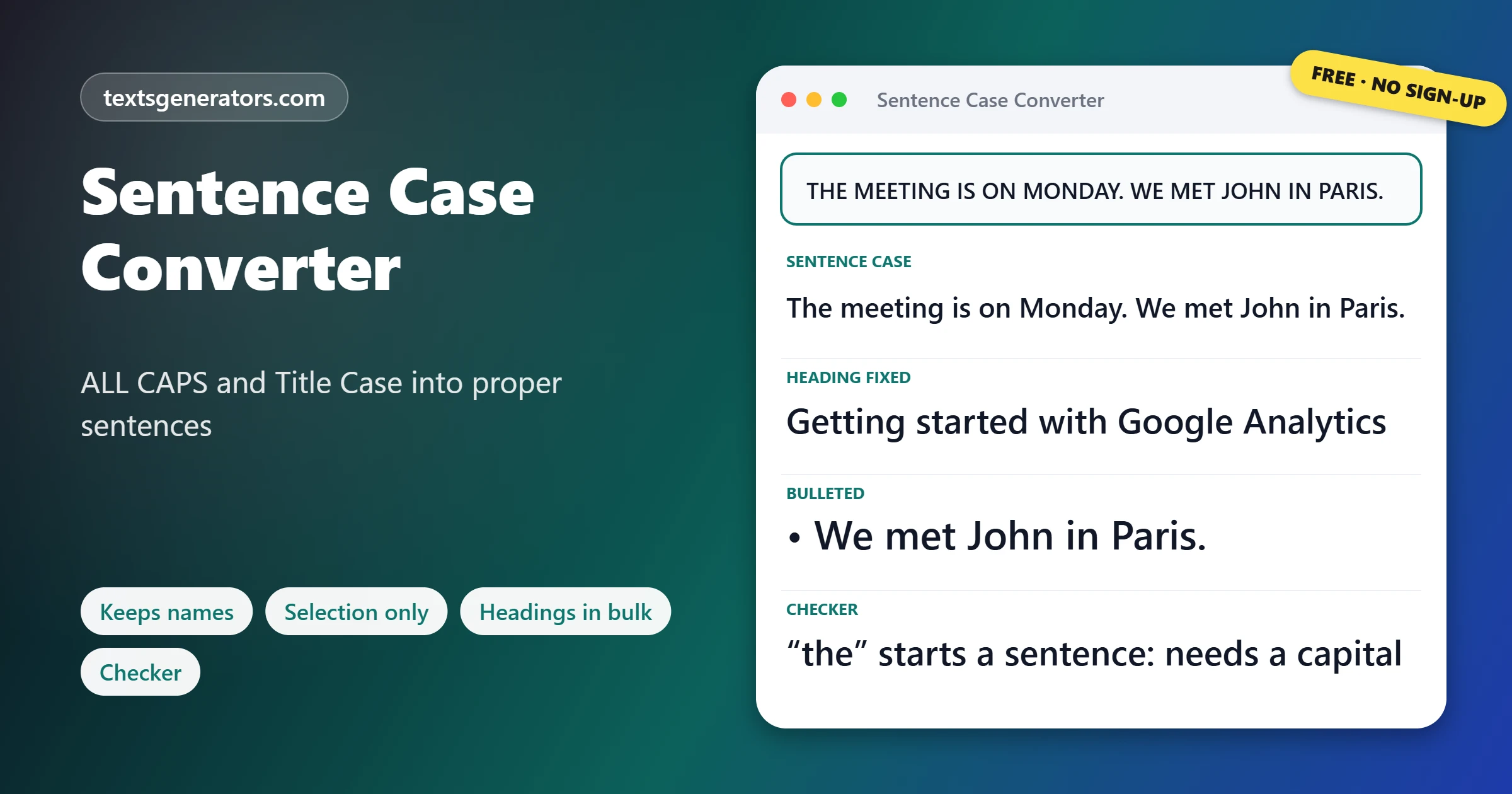
How Do You Convert Text to Sentence Case?
- Add the text: Paste capitals, Title Case, or messy mixed text into the box.
- Pick the mode: Plain sentence case, or the version that keeps names.
- Tidy the edges: Add missing full stops or split sentences onto lines.
- Copy it out: Paste the clean text back into your email or document.
If your style guide calls for title case headlines instead, use the title case converter with AP, APA, Chicago and MLA rules
What Does Sentence Case Look Like?
| You paste | Sentence case gives |
| THE QUARTERLY REPORT IS DUE ON FRIDAY. PLEASE SEND YOUR NUMBERS TO THE FINANCE TEAM. | The quarterly report is due on Friday. Please send your numbers to the finance team. |
| Our team visited London and met the CEO of a startup | Our team visited London and met the CEO of a startup (names kept) |
| WARNING: DO NOT OPEN THE DOOR | Warning: Do not open the door |
| I Think We Should Leave At Noon | I think we should leave at noon |
What Are the Rules of Sentence Case?
- First word: every sentence opens with a capital letter.
- Proper nouns: people, places, companies, days, and months keep their capitals.
- The pronoun I: always a capital, wherever it falls.
- Acronyms and initialisms: NASA, UK, and PDF stay fully capitalized.
- After a colon: styles differ; APA and many websites capitalize a full sentence after a colon, others keep it small.
- Everything else: lowercase, including words that look important in a heading.
Should Headings Use Sentence Case or Title Case?
Many large organisations now write headings in sentence case. The Microsoft Writing Style Guide, Google’s developer documentation style guide and the GOV.UK style guide all ask for sentence-style capitalization in headings, because it reads faster, looks friendlier and removes the guesswork about which small words to capitalize. Newspapers, books and many marketing teams still prefer title case for headlines. Whichever you pick, use it everywhere; the Headings to Sentence Case tool converts a whole list at once when you switch.
For UPPERCASE, lowercase, camelCase, and 20 other formats in one place, open the case converter.
Does Word, Google Docs or Excel Have a Sentence Case Option?
| App | Sentence case option |
| Microsoft Word | Home tab, Change Case button (Aa), Sentence case. It does not keep acronyms you typed in capitals. |
| Google Docs | No sentence case option; Format, Text, Capitalization only offers lowercase, UPPERCASE and Title Case. |
| Excel and Google Sheets | No built-in function. This formula capitalizes the first letter of a cell: =REPLACE(LOWER(A1),1,1,UPPER(LEFT(A1,1))) |
| Outlook and Gmail | No case tools; paste the text here, convert it, and paste it back. |
Need emphasis without shouting in capitals? The bold text generator adds weight instead
The Excel formula only fixes the first sentence in each cell. For cells holding several sentences, convert the column here and paste the results back.
When Is a Sentence Case Converter Useful?
- Shouted emails: turn a message typed in capitals into something calm to read.
- Website headings: switch a whole site from Title Case to sentence style.
- App and button text: keep interface labels consistent with a style guide.
- Copied PDF text: fix extracts that came out in capitals.
- Product data: clean supplier descriptions written in block capitals.
- Reference lists: APA article titles in a reference list use sentence case.
Sentence Case Vocabulary
Proper noun
The name of a specific person, place, or thing, always capitalized.
Sentence-style capitalization
Another name for sentence case, used in many style guides.
Initialism
Letters read one by one, such as UK or CEO, written in capitals.
Terminal punctuation
The full stop, question mark or exclamation mark that ends a sentence.
Body text
The main running text of a page, normally set in sentence case.
Style guide
A set of writing rules an organisation follows, including how to capitalize.
Why Use This Sentence Case Tool?
Edits in place
No second box to copy from.
Selection only
Fix one paragraph, leave the rest.
Names kept
Capitals inside sentences survive.
Full stops
Adds the ones that are missing.
Headings in bulk
With a list of protected words.
Checker
Explains each problem it finds.
Switching your headings to sentence style?
Paste the full list and protect your brand names in one step.
Sentence Case Output Not Quite Right?
| Problem | Why | What to do |
| A person’s name became lowercase | The original was all capitals, so names could not be recognised | Add the name to the protected words in the headings tool, or fix it by hand |
| A sentence after “e.g.” got a capital | The full stop looked like the end of a sentence | Write eg without full stops, or lower that letter by hand |
| The word after a colon is capitalized | Capital after a colon is switched on | Untick it if your style keeps that word small |
| An acronym turned lowercase | It is also a common word, such as IT or US | Highlight the rest of the text and convert only that part |
Explore other text styles in the font generator
Tips for Clean Sentence Case
Reread names last
A quick scan for people and places catches anything the converter could not know.
Keep product names exact
Brands like iPhone or YouTube have fixed capitals; protect them.
Skip the full stop in headings
Headings and buttons in sentence case normally end without punctuation.
Convert in parts
Highlight a section to fix it without touching quotes or code nearby.
For decorative capitals, the height of small letters, try the small caps generator.
Sentence Case Converter FAQ
What is a sentence case converter?
A tool that rebuilds capitalization sentence by sentence: one opening capital each, small letters elsewhere.
What does sentence case mean?
Writing where only the first word of a sentence, proper nouns, acronyms, and the word I begin with are capitalized.
Can you show a sentence case example?
THE SHOP OPENS AT NINE becomes The shop opens at nine.
How do I change ALL CAPS text to sentence case?
Drop the shouted text in and hit Sentence case; each sentence gets back a single opening capital.
How do I keep names capitalized?
Use Sentence case, keep names. Any word you typed with a capital inside a sentence is left alone.
Can I convert only part of my text?
Yes. Highlight the words in the box first, then press a button; only the highlighted part changes.
Does Microsoft Word have sentence case?
Yes. On the Home tab, the Change Case button includes a Sentence case option.
Is there sentence case in Google Docs?
No. Google Docs offers lowercase, UPPERCASE, and Title Case only, so convert here and paste the text back.
How do I make sentence case in Excel?
=REPLACE(LOWER(A1),1,1,UPPER(LEFT(A1,1))) lowers a cell and raises its opening letter.
Should headings be in sentence case?
Many style guides, including Microsoft, Google, and GOV.UK, recommend it; others still use title case. Be consistent.
After a colon, should the next word get a capital?
It depends on the style. Tick or untick Capital after a colon to match the one you follow.
Why did my acronym become lowercase?
When text is mostly capitals, acronyms cannot be told apart from shouted words. Convert the rest by selection to keep it.
Can the tool add missing full stops?
Yes. Add missing full stops puts one at the end of any line that ends with a letter or number.
How do I check text for capitalization mistakes?
Paste it into the Sentence Case Checker; it lists lowercase sentence starts, a small i, and stray capitals.
Can I convert a list of headings at once?
Yes. Put one heading per line in Headings to Sentence Case and list the brand names that must keep capitals.
Does sentence case change punctuation?
No. Only letters change, unless you choose a format that adds full stops, bullets, or numbers.
Is there a limit on text length?
The box holds up to 100,000 characters, enough for a long report.
Can I undo a conversion?
Yes. Every toolbar action can be reversed with Undo and restored with Redo.
Is my text uploaded?
No. Your words are rewritten locally and never leave this page.
Do I need an account?
No. The converter is free and open to everyone, with nothing to register.
Does it work on mobile phones?
Yes. The toolbar and checker work with touch, and selection works with your phone’s text handles.
Make It Read Normally
AA → Aa.
Sentence case for emails, headings, and buttons, in one click. ✎ Convert My Text
- 3D Text Generator
- Aesthetic Text Generator
- Arrow Text Generator
- Big Text Generator
- Birthday Text Generator
- Bold Italic Text Generator
- Bold Text Generator
- Bracket and Boxed Text Generator
- Bubble Text Generator
- Calligraphy Text Generator
- Christmas Text Generator
- Clap Emoji Text Generator
- Cool Fonts Generator
- Copy and Paste Fonts
- Cursive Generator: Cursive Letters and Fonts
- Cute Fonts Generator
- Cybersigilism Text Generator
- Decorative Text Generator
- Discord Fonts Generator
- Diwali Text Generator
- Double Struck Text Generator
- Drunk Text Generator
- Eid Text Generator
- Emoji Text Generator
- Fancy Text Generator
- Flag Text Generator
- Glitch Text Generator: Zalgo and Cursed Text
- Glow Text Generator
- Gothic Text Generator
- Halloween Text Generator
- Heart Text Generator
- Invisible Text Generator
- Italic Text Generator
- LinkedIn Text Generator
- Love Text Generator
- Minecraft Color Codes and Colored Text Generator
- Monospace Text Generator
- Neon Text Generator
- New Year Text Generator
- Old English Font Generator and Translator
- Redacted Text Generator: Black Out Words
- Serif And Sans Serif Text Generator
- Small Caps Generator
- Small Text Generator
- SpongeBob Mocking Text Generator
- Square Text Generator
- Star Text Generator
- Strikethrough Text Generator
- Stylish Text Generator
- Subscript Text Generator
- Underline Text Generator
- Valentine’s Text Generator
- Vaporwave Text Generator
- Weird Text Generator
No tools match your search. Try another word or choose "All tools".